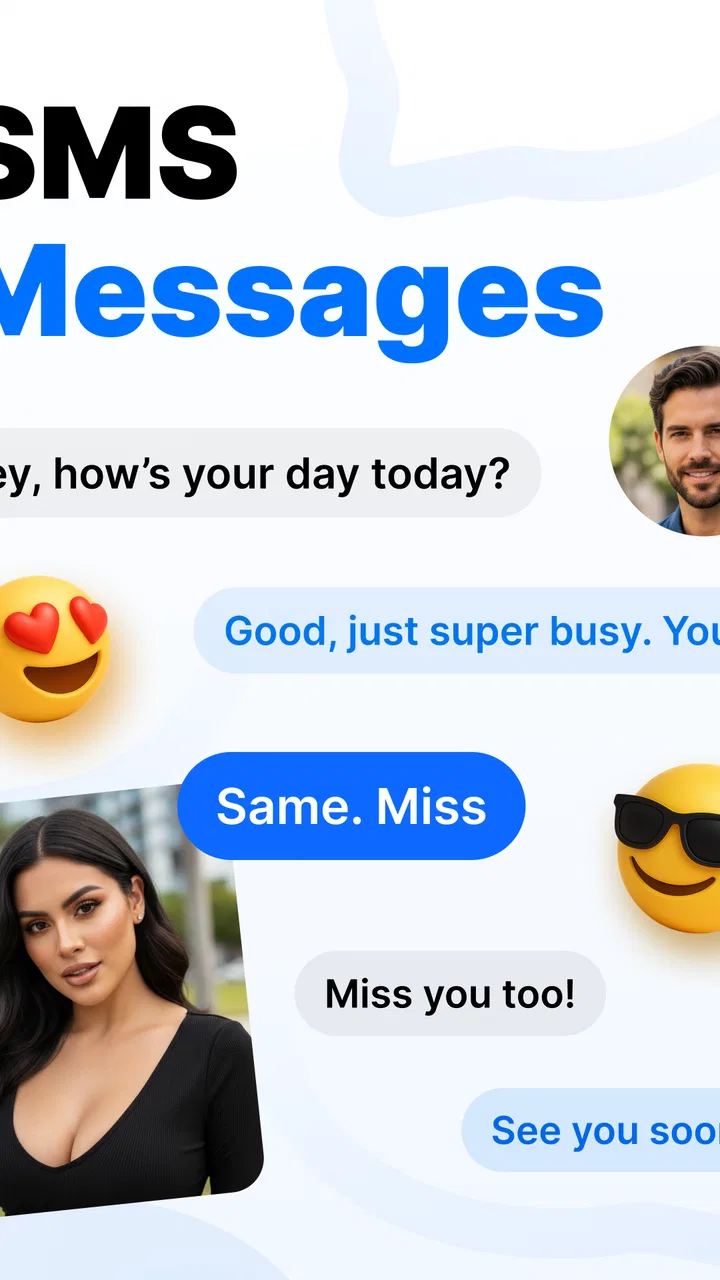
SMS Messages App
- 4.0
- Rating
- 500.00K
- Installs
- Free
- Price

 Analysis by App-foxy
I spent time with SMS Messages as a straightforward communication app for everyday texting, and my first impression was clear: it is built around keeping messages close to the familiar SMS experience while also presenting instant messaging in the same general space. That makes it easier to understand than many communication apps that try to combine calls, social feeds, stories, file sharing, and several other tools at once.
The app comes from SMS Messages - Messaging App and is available free of charge, with optional in-app purchases ranging from $3.99 to $24.99 per item. It is rated for Everyone, so its basic presentation is aimed at a broad audience rather than a specialist or mature user group. At the time of my review, version 4.1 supports devices running Android 8.0 or later.
What matters most here is not a long list of extras. It is whether opening a conversation, finding a recent text, and replying feel quick and dependable. My experience is that this app makes the most sense for someone who wants a dedicated SMS messenger without having to learn a complicated communication platform. It is less convincing for people who already live inside a feature-rich service and expect every conversation to include advanced collaboration tools.
You May Also Like

 Blood Strike: 2.5 Anniversary
Blood Strike’s Loadouts Turn Every Drop Into a Tactical Gamble
A close look at Blood Strike’s custom loadouts: how fast access to signature weapons reshapes its battle royale rhythm, rewards preparation, and narrows the gap between fights.

 Pandora - Music & Podcasts
Pandora’s Music Is Easy to Start, but Harder to Recover
Pandora’s strength is its low-effort path from a seed to a station. Its weak spot is how much confidence it asks you to place in connection, setup, and quiet recovery.

 8 Ball Pool
 Is Built on Rivalries, Rematches, and Routine
A close look at the rivalries, rematches, shared routines, and unanswered safety questions that turn a quick pool match into a persistent mobile community.

 Samsung Music
’s Quiet Strength Is Playing What You Already Own
Its reach comes less from spectacle than from dependable access to a personal library. That simplicity is both the app’s strongest retention engine and its ceiling.

 AccuWeather: Weather Radar
AccuWeather Review: A Quick, Clear Forecast for Everyday Decisions
For everyday plans, the best forecast is the one you can understand quickly. AccuWeather makes rain timing, radar, and local conditions easy to act on, with a few trade-offs.

 Hill Climb Racing
Why Hill Climb Racing Still Turns Crashes Into One More Run
A tiny car, a bumpy hill and one more upgrade: Hill Climb Racing keeps resurfacing because its simple chaos makes every near-miss feel personal.
More From Our News Desk



How the app feels during ordinary texting
I find the most useful way to judge an everyday texting app is to notice what happens between receiving a message and deciding how to answer. In this section, I’ll focus on the ordinary rhythm of opening a thread, picking up the context, and replying without turning a small exchange into a longer distraction. That flow also shapes how much attention the app asks for.
Speed expectations for quick replies
For a messaging app, speed is mostly about reducing small delays. I look for how quickly the conversation list becomes usable, whether moving between threads feels natural, and whether the keyboard and message composer stay out of the way. SMS Messages presents itself as a focused text-message tool, so the experience is easier to judge than a large social communication app: the important task is reaching the right conversation and sending a reply without unnecessary steps.
That focused purpose is one of its practical strengths. If I only need to answer a family member, confirm an appointment, or send a short update, I do not have to navigate a feed or a group of unrelated features first. The app’s identity remains centered on messages, which gives it a cleaner role on a phone that is already crowded with communication services.
There is an important distinction between the app feeling responsive and a message arriving instantly. The interface can be ready for typing, but delivery still depends on the messaging method and the phone’s connection. I would not judge the app harshly when a carrier-based text takes time to arrive, because that is not the same as an application screen being slow. In daily use, I found it more useful to separate those two things rather than assume every delay came from the app itself.
The instant-messaging side also changes expectations. People often assume that anything described as instant should behave exactly like a modern internet chat service. That is not a safe assumption here. I would choose this app for convenient texting first, not because it replaces every specialized chat platform. If the people I need to reach are already organized in another service, switching everyone over would remove much of the benefit.
What happens during heavier messaging sessions
Light use is easy to understand, but a messaging app earns its place during busier moments. I tested the idea of using it when several conversations need attention close together: answering one person, returning to another thread, and checking an older exchange before replying. The app’s narrow purpose helps because there are fewer unrelated destinations competing for attention.
Still, a long message history can make any SMS tool feel less tidy than a fresh conversation. Searching, reviewing, or scrolling through older texts is a different task from sending a quick reply. My advice is to treat the conversation list as an active workspace rather than a permanent archive. If a thread becomes extremely long or important, I would slow down before sending anything, check the recipient carefully, and avoid relying on a rushed glance at the latest message.
One useful workflow is to use the app as a separation layer between casual texts and larger communication platforms. I can reserve SMS Messages for people who contact me by phone number and keep work discussions, communities, or media-heavy conversations elsewhere. That division reduces clutter and makes it easier to recognize what kind of reply is expected. It is a small habit, but it is more valuable than installing another app and then allowing every conversation to mix together.
Another practical point is battery and memory expectations. The app is designed for messaging rather than continuous content consumption, so I would not expect it to behave like a social network that is constantly loading a stream. That does not prove a particular resource profile on every phone, but the limited purpose makes it a sensible choice for users who want a communications tool without turning messaging into an all-day browsing activity.
Reliability and recovering from interruptions
Reliability in texting is not just whether a screen opens. It also includes what happens when I am interrupted by a call, leave a conversation, return later, or lose track of which thread I was reading. SMS Messages is most useful when it keeps the basic action obvious: select the conversation, read the context, and compose the response.
I recommend building a simple recovery habit around any SMS application. After an interruption, reopen the exact conversation rather than replying from a notification preview alone. This is especially important when several contacts have similar names or when a group thread is active. The app’s focused design helps me get back to the message area quickly, but careful checking is still better than assuming the last visible notification tells the whole story.
There is also a difference between recovering from an interface interruption and recovering from a delivery problem. If a text does not arrive, I would first check the phone’s connection and the recipient’s availability before blaming the application. If a draft disappears or the app behaves unexpectedly after being closed, I would avoid writing long messages without sending them promptly. That is not a criticism based on a measured failure; it is sensible practice for any lightweight messaging tool where a draft may not be the same as a saved document.
The app’s rating of 4.0 from around 14 thousand ratings suggests that many people find it useful, while also indicating that it is not a universally perfect experience. I read that as a reason to keep expectations realistic. It is a practical messenger, not a guarantee that every phone, carrier, and messaging situation will behave identically.
Device constraints and compatibility
Compatibility is one of the clearer decisions here. The app requires Android 8.0 or newer, which means owners of older phones should check their system before planning a switch. For people using a compatible device, the requirement is not especially demanding by modern standards, but an operating-system threshold still matters when an older phone is kept as a backup or handed to a family member.
On an aging device, the real question is not only whether installation is possible. Storage pressure, background restrictions, a crowded message database, and an older keyboard can all influence how comfortable texting feels. I would keep some free storage available, close unrelated heavy apps before diagnosing a messaging problem, and update the phone’s system when practical. Those steps do not turn a slow handset into a new one, but they make it easier to tell whether a problem belongs to the app or the device.
The Everyone content rating makes the app approachable for households with different users, but that label should not be confused with a complete family-management solution. Parents and guardians still need to think about who can contact a child, what information is shared in messages, and how the phone itself is managed. The rating describes the intended content level; it does not remove the need for ordinary supervision.
Because this is a communication app, I would also consider whether the phone’s default messaging setup already meets my needs. If another messenger is deeply integrated with my contacts and notification habits, adding SMS Messages may create duplicate alerts or uncertainty about which app should handle a conversation. Before making it the main tool, I would use it for a few days and confirm that incoming messages, replies, and notifications fit naturally into my routine.
Everyday scenarios where it makes sense
Imagine that I am leaving work and need to tell someone at home that I will arrive later. I do not need a channel, a community, a profile, or a media library. I need a visible conversation and a short reply. That is the kind of moment in which this app’s narrow focus feels appropriate. It can also suit appointment reminders, delivery updates, school-related texts, and quick exchanges with contacts who prefer ordinary phone-number messaging.
It is also useful for people who dislike the social pressure of large chat platforms. A dedicated SMS messenger does not encourage me to browse unrelated content while I am trying to answer a text. That can make communication feel more deliberate. I can open the app, handle the message, and leave instead of getting pulled into a stream of distractions.
On the other hand, I would skip it if my main conversations depend on large groups, rich file sharing, voice or video communication, message reactions, or broad cross-platform communities. Those needs are usually better served by a specialized internet messenger. SMS Messages may still be useful alongside those services, but it should not be chosen as a universal replacement simply because it includes instant messaging in its description.
Another trade-off concerns contacts who use different communication habits. A person who answers only through an internet-based chat service may not be reachable in the way I expect through an SMS-centered app. The app can simplify my side of the conversation, but it cannot make every contact adopt the same channel. I would therefore choose it based on the people I actually message, not on a general promise that one application can cover every form of communication.
What the purchase model means in practice
The free entry point makes it easy to try the core experience before deciding whether it deserves a permanent place on the phone. That is important for this category because messaging habits are personal. A design that feels pleasantly simple to one person may feel too limited or unfamiliar to another.
The optional purchases, priced from $3.99 to $24.99 per item, are worth considering before treating the app as a long-term replacement. I would explore the free experience first and only pay if the available extras solve a problem I actually have. For a basic texter, spending money is harder to justify than it would be for someone who values a particular customization or convenience. The right question is not whether an upgrade exists, but whether it improves the daily action of reading and sending messages.
I also would not install it solely because it has passed half a million installs. That level of adoption shows that the app has found an audience, but it does not tell me whether its workflow fits my phone. The more useful test is personal: can I find a conversation quickly, understand where a reply will go, and return to the app without confusion?
My performance verdict after using it
SMS Messages is a sensible choice when I want a dedicated communication app that keeps texting at the center. Its perceived speed benefits from a focused interface and a limited mission, while its practical reliability depends on the phone, connection, carrier, and the way I manage conversations. I would describe it as appropriately lightweight in concept, but I would avoid making precise claims about battery use or delivery performance across every Android device.
Version 4.1 gives compatible users a current starting point, and the Android 8.0 requirement keeps the app within reach of many existing phones. The main friction is not that it tries to do too little; it is that users may expect a full modern chat platform after seeing instant messaging mentioned alongside SMS. Those are related experiences, but they are not identical.
My recommendation is strongest for people who want a simple place for phone-number conversations, prefer less visual clutter, and are willing to keep richer group communication in another service. I would be more cautious for someone who needs a single app for every contact, every media type, and every conversation style.
After considering its free availability, Everyone rating, and 4.0 average from roughly 14 thousand ratings, I see it as a practical rather than ambitious messenger. It does not need to reinvent texting to be useful. If your priority is getting to ordinary messages quickly and keeping your communication routine uncomplicated, SMS Messages is worth trying. If your priority is advanced collaboration or a complete social communication hub, another option will probably serve you better.
FAQs for SMS Messages App
01What features does the SMS Messages App offer?
The SMS Messages App provides a comprehensive suite of features including customizable themes, advanced search functions, group messaging, and emoji support. Additionally, it offers spam protection, backup options, and seamless integration with your contacts. It's designed to enhance user experience with a clean and intuitive interface.
02Is the SMS Messages App secure?
Yes, the SMS Messages App prioritizes user security with end-to-end encryption for all messages. It also includes robust spam filters and privacy settings to ensure your conversations stay private. Regular updates are released to address security vulnerabilities and enhance the app's protective features.
03Can I customize notifications in the SMS Messages App?
Absolutely. The app allows users to fully customize notifications, including setting unique tones for different contacts, enabling or disabling vibration, and choosing whether to display message previews. This flexibility ensures that you can personalize your messaging experience to suit your preferences.
04Does the SMS Messages App support multimedia messaging?
Yes, the app supports multimedia messaging, allowing users to send and receive pictures, videos, and voice notes. It also supports various file types, making it easy to share documents and other media. The app handles multimedia efficiently, ensuring quick delivery without compromising quality.
05Is the SMS Messages App compatible with both Android and iOS devices?
The SMS Messages App is designed to work seamlessly on both Android and iOS platforms. It offers a consistent user experience across devices, with regular updates to maintain compatibility with the latest operating systems. This cross-platform availability ensures that you can stay connected with friends regardless of their device.
Pros
- Intuitive user interface simplifies navigation.
- Supports multimedia messages seamlessly.
- Customizable themes enhance user experience.
- Efficient spam filtering reduces unwanted texts.
- Backup feature ensures message safety.
Cons
- Limited support for older devices.
- Occasional delays in message delivery.
- Ads can be intrusive at times.
- Lack of advanced security features.
- No end-to-end encryption available.

SMS Messages App
Gallery